Introduce yourself on Flip
Introduce yourself in Flip
This is your only chance to use English to introduce yourself to the other teachers and students, but from tomorrow on you will have to use Japanese!
Please go on Flip and follow these instructions:
-
Click the Flip link and sign in.
Go to Flip here and click on"Join with your guest password", getting started with the"Introduce yourself" lesson. Your Flip password is GGNnek0#. - Record your video!
Tap the green plus sign to begin recording your response. To submit your video response, follow these steps: record your video, review + edit, take a selfie, type your email address, then submit! You don't have to show your face if you don't want to. You can cover it with an emoji, when you record your video, use"pixel mode" or just hide it ;)
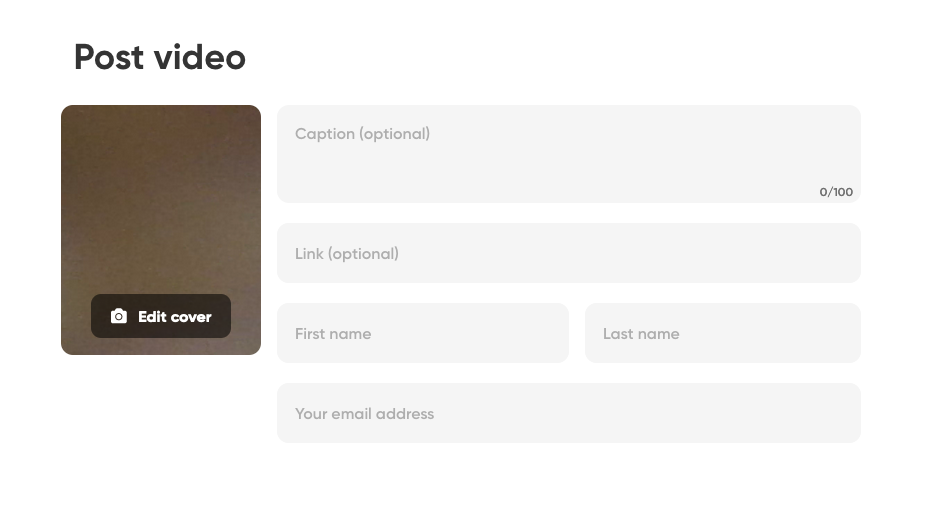
You can also write your script in the sticky note on the top right of your video, before submitting it. It helps you remember what to say in your video.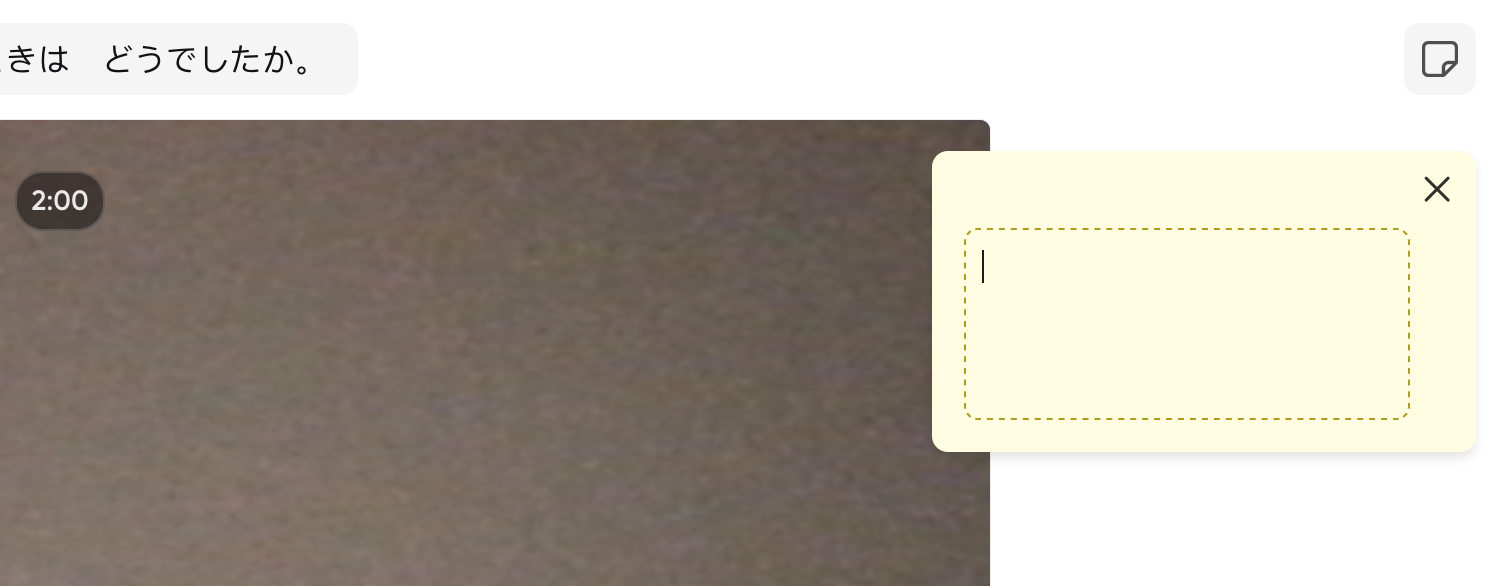
Don't forget to add your script in the caption to all the video messages as part of the Flip assignments!
You can find your videos in the"Activity" section on my.flipgrid.com page.

What is Flip?
Flip is a free, simple way to foster short video-based discussions on classroom topics. Here you can interact with your teacher and your fellow classmates, sharing short videos and practicing your Japanese speaking skills.
A teacher will review your video by leaving a video message for you. Please reply to the video message by creating your own Flip video response. We recommend you check and respond to all messages to optimise your learning.
Watch this introduction video for more details: